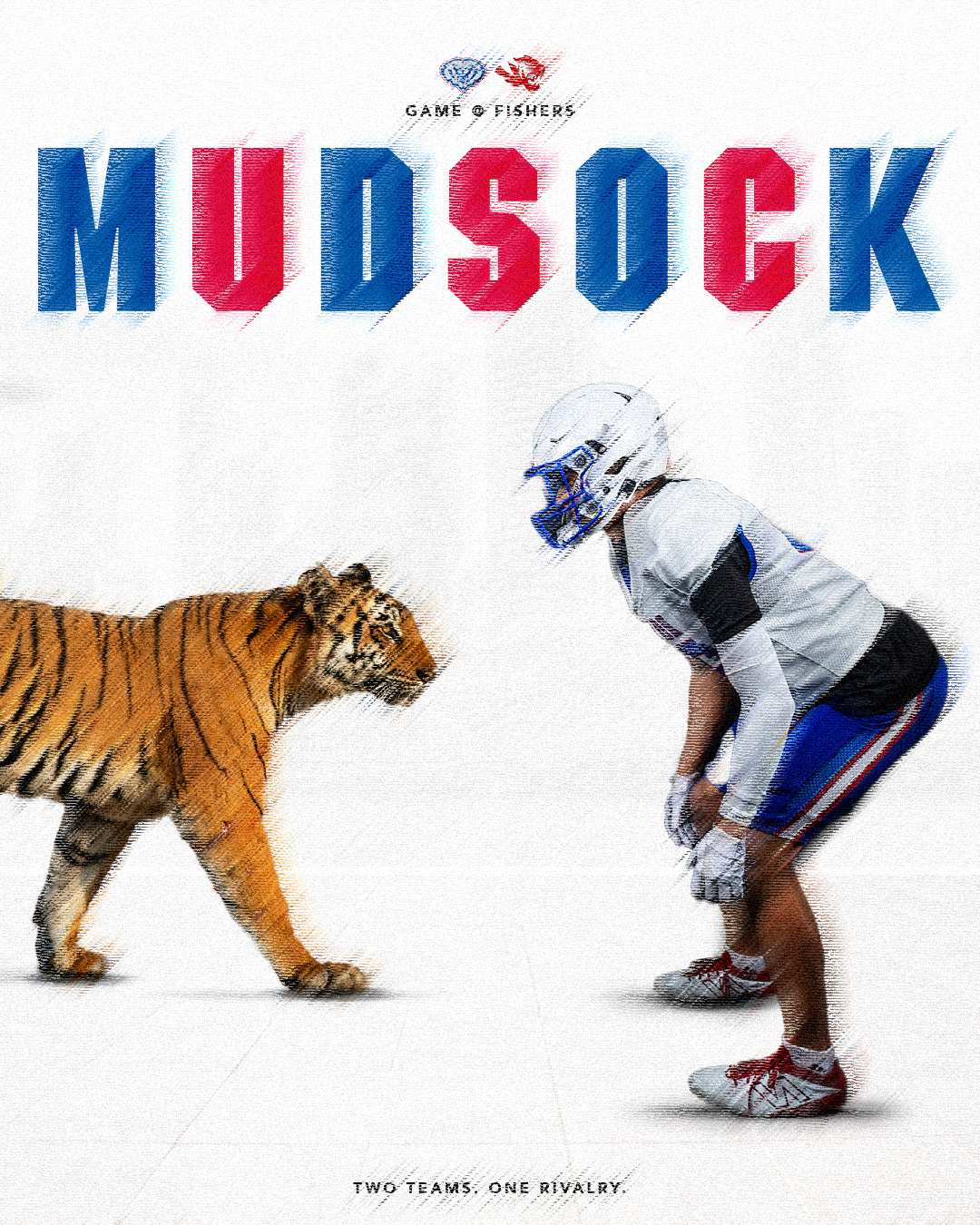
I created this graphic for the Mudsock game between HSE and Fishers to raise awareness and highlight the rivalry. I chose to represent the matchup through a tiger, since Fishers High School’s mascot is a tiger, creating a unique visual connection. I then used textures to give the graphic a more realistic and dynamic look.
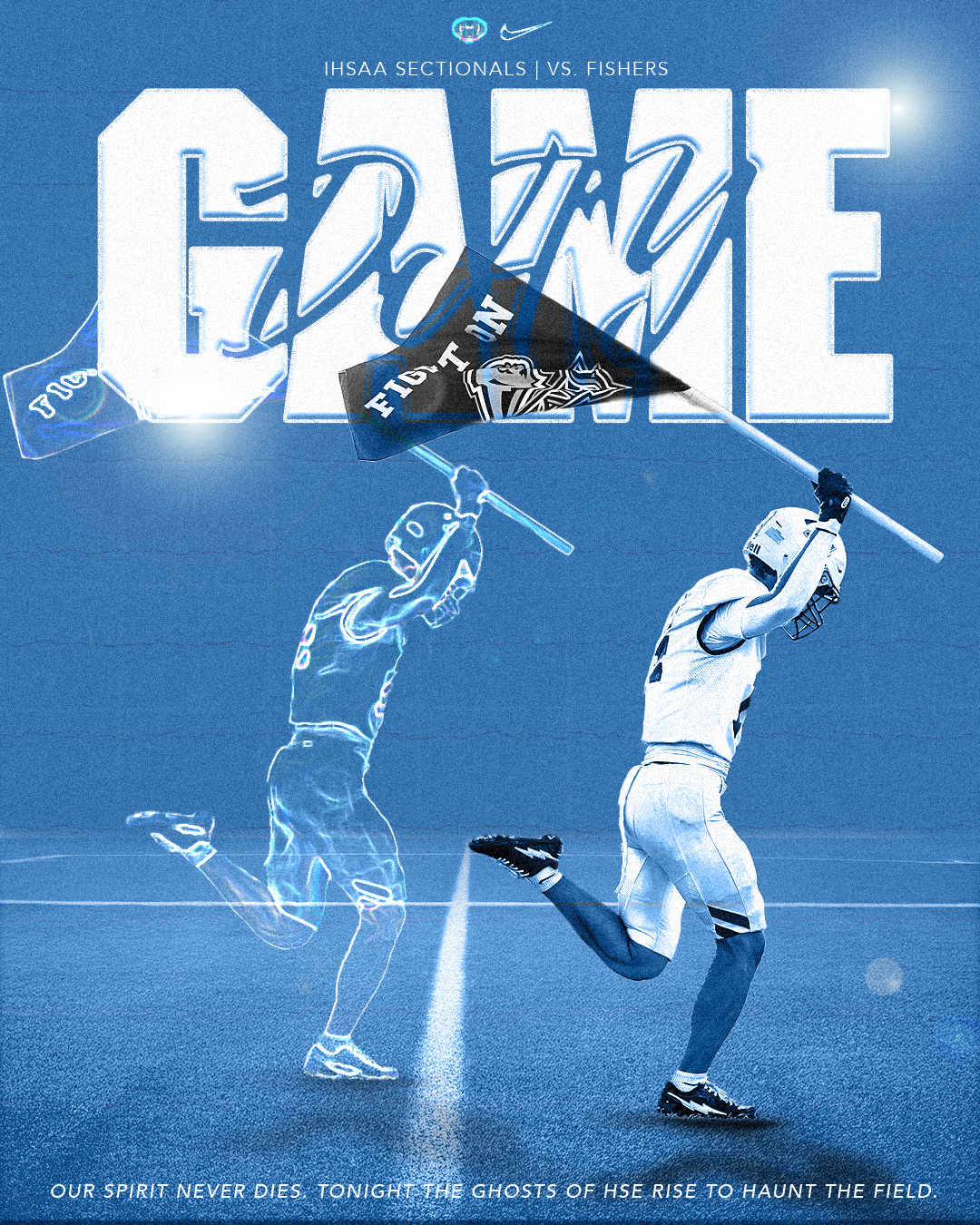
I created this graphic for our IHSAA Sectionals match against Fishers High School. I learned a lot throughout the creation process. I wanted to design a Halloween-themed graphic in Photoshop, but I had limited knowledge of the program at the time. Through a lot of trial and error, I was eventually able to create a ghost player that brought the concept to life.
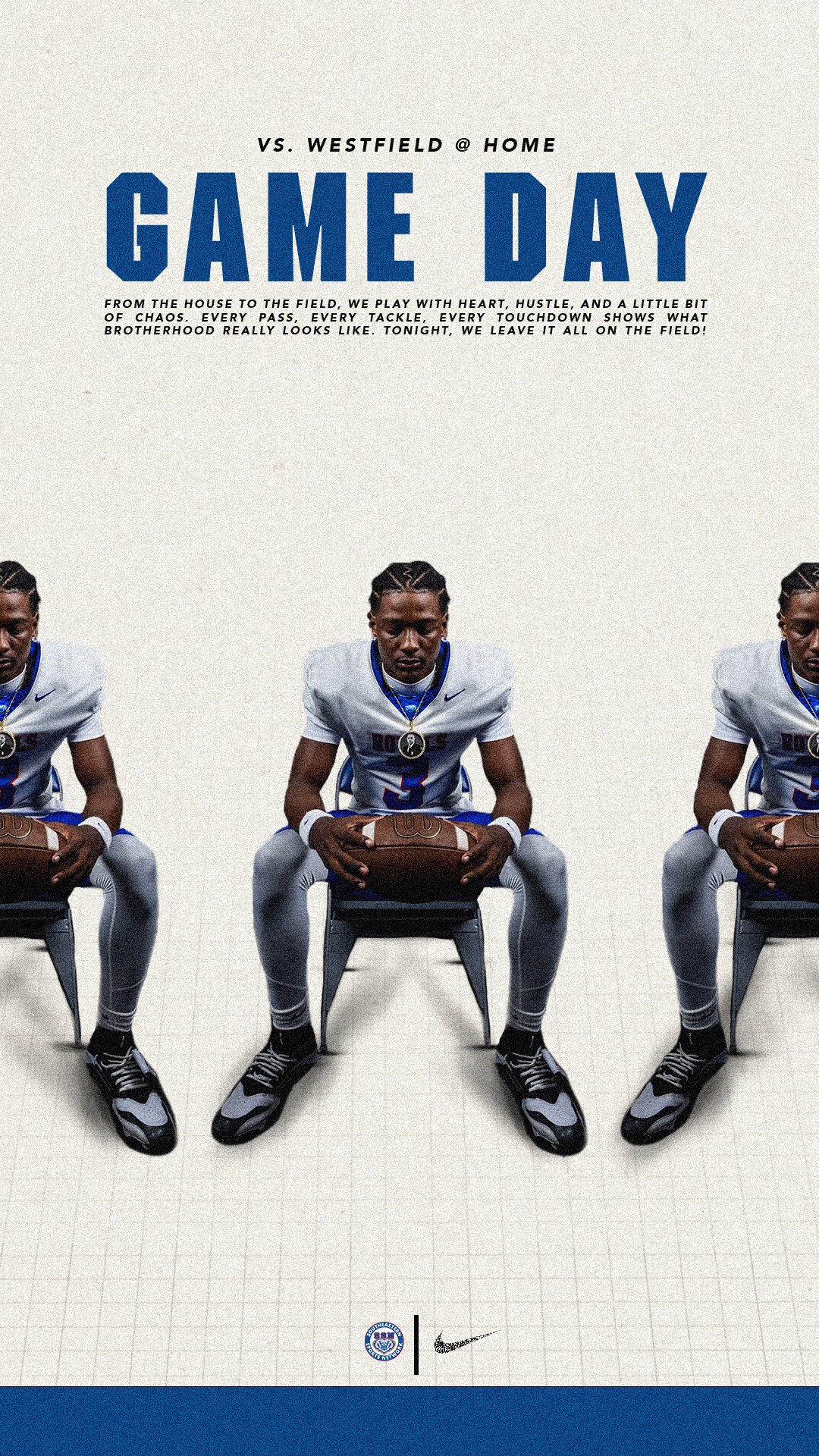
I created this graphic for the football game against Westfield. I found some inspiration online and wanted to make my own version. I eventually had to completely remake the graphic because the player featured got injured right before the game. Through this process, I learned how to quickly adapt, add shadows effectively, and make the players look more realistic rather than appearing to float.
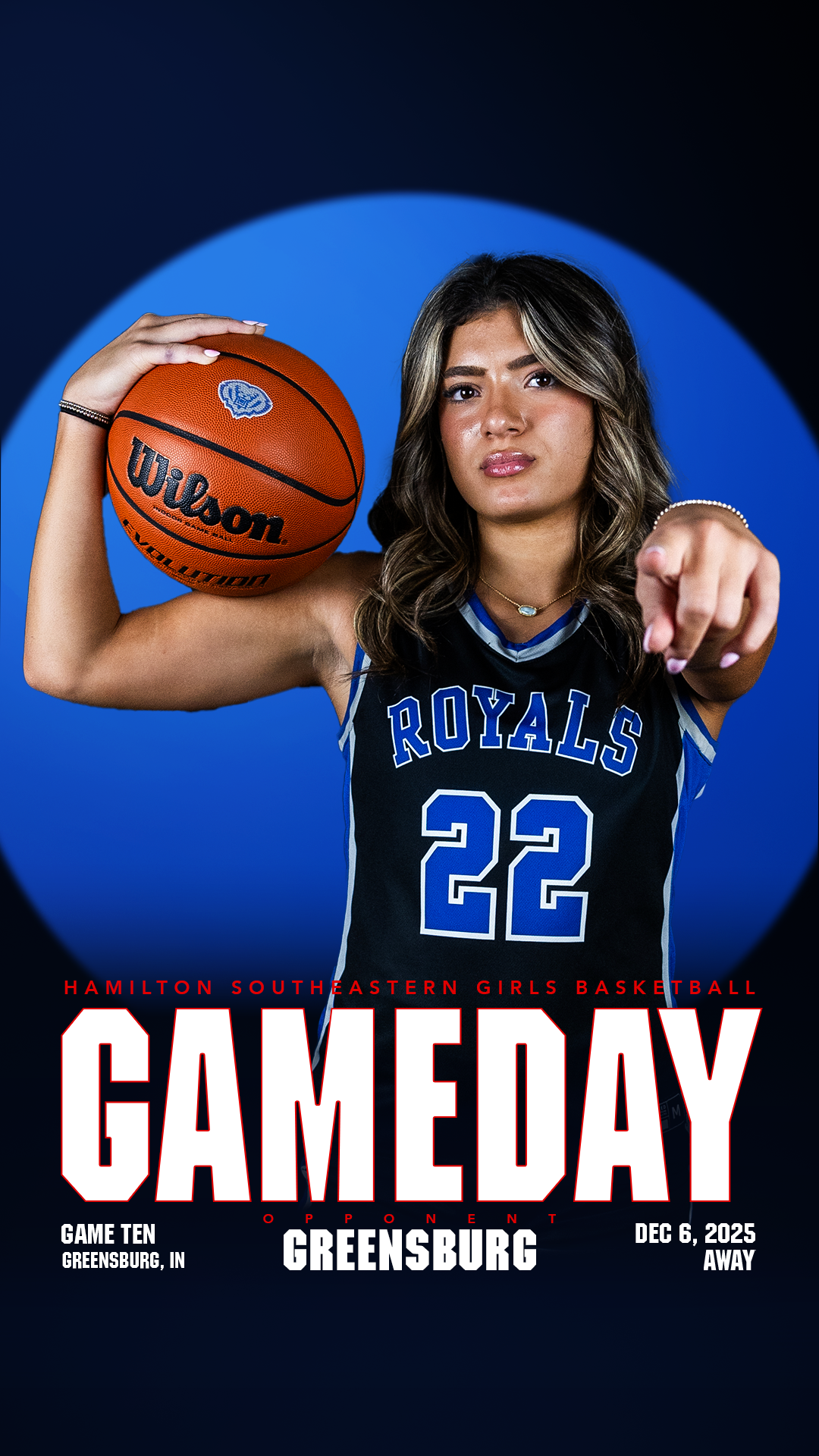
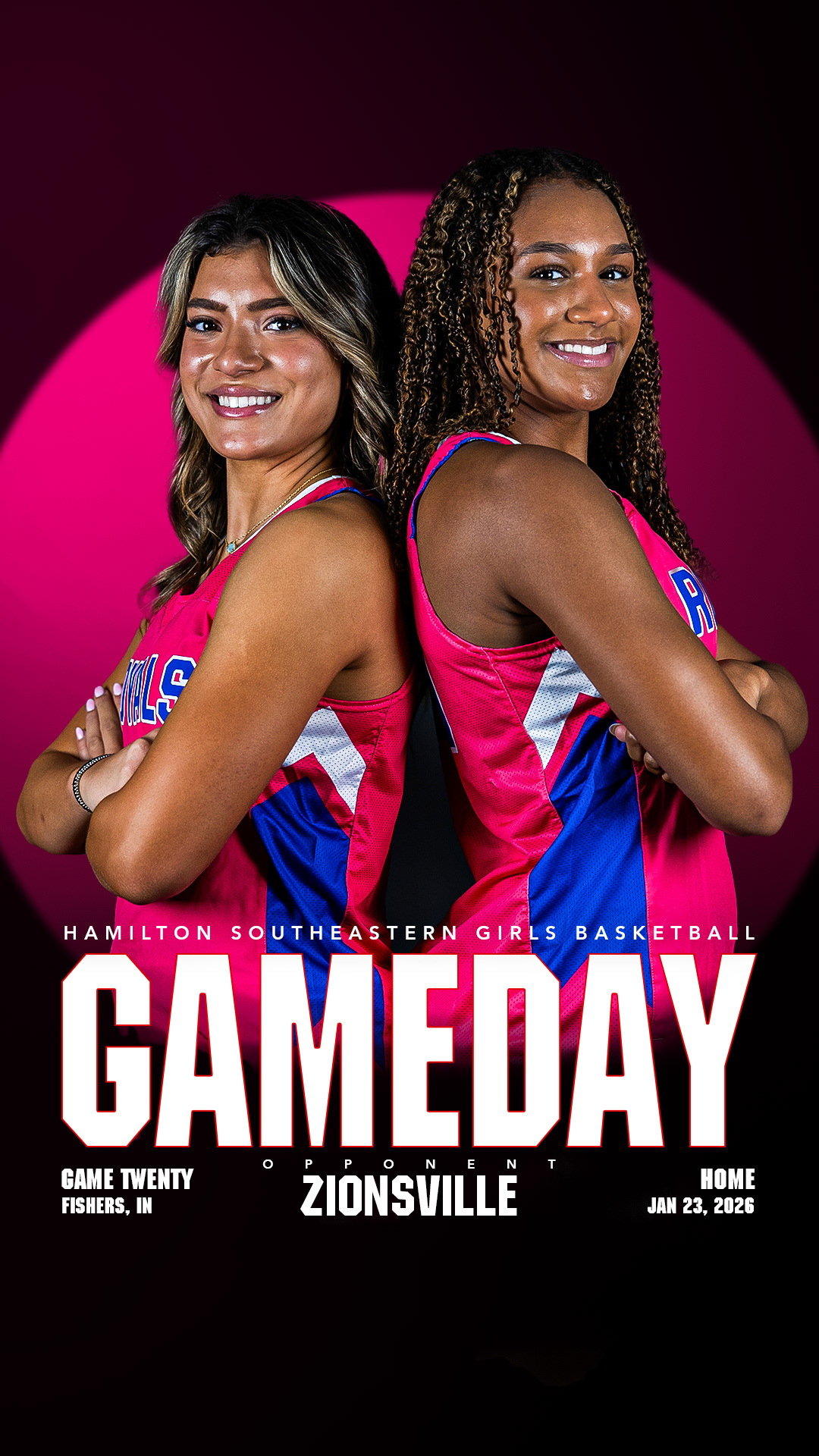
I partnered with a classmate to create the template for our girls’ basketball season graphics. We chose a neon color theme to convey the electric energy of the team. During this process, I learned how to use Camera Raw in Photoshop to make the players look polished and professional.
When creating this graphic, I learned a lot about working with layers. I initially struggled to switch a simple color from blue to pink, but with the help of my peers and YouTube tutorials, I gained new skills and learned to use more tools within Photoshop.
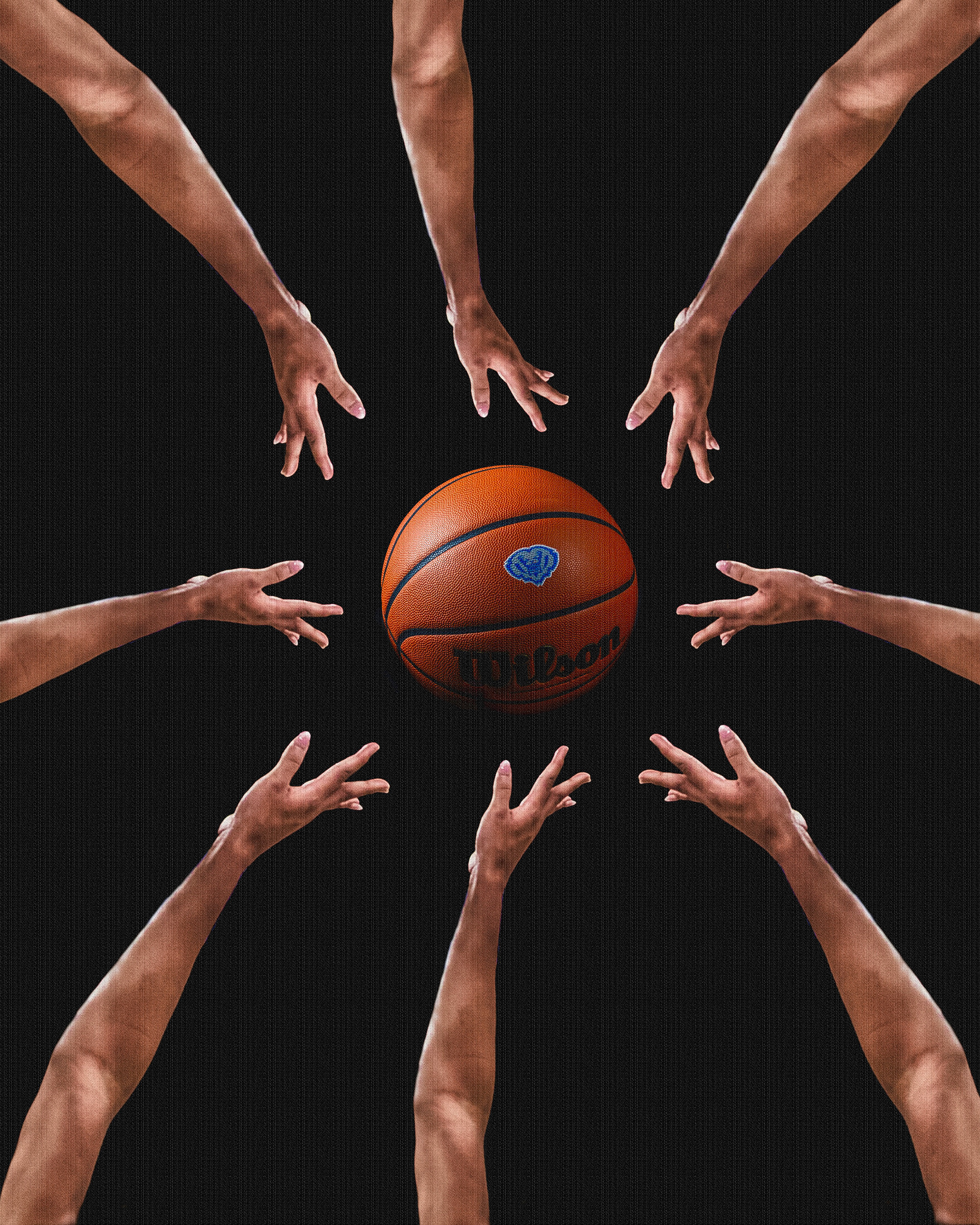
I created this design for fun. I wanted to make a graphic with plenty of blank space while incorporating a trippy, visually intriguing element.